Abyssal Nautilus
Official skin entry
LEAGUE OF LEGENDS · SKIN CATALOGUE
the Titan of the Depths
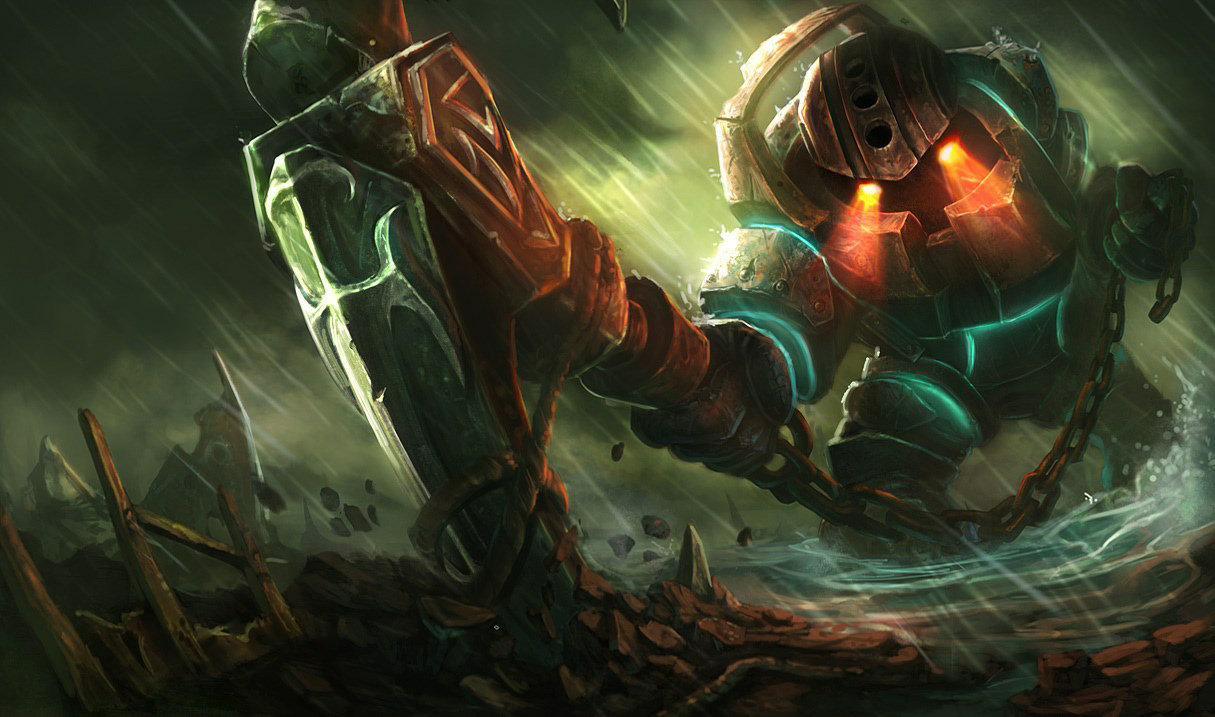
A lonely legend as old as the first piers sunk in Bilgewater, the armored goliath known as Nautilus roams the dark waters off the coast of the Blue Flame Isles. Driven by a forgotten betrayal, he strikes without warning, swinging his enormous anchor to...
Counts come from the bundled FrekansLoL skin registry. Availability is not guaranteed after a game update.
01 / SKIN LIBRARY
Names reflect official League of Legends skins in FrekansLoL's local registry. Chroma counts are stored separately under each skin. Community mods are not claimed or copied.
Official skin entry

Official skin entry

1 chroma variants

Official skin entry

Official skin entry

Official skin entry

8 chroma variants

8 chroma variants

8 chroma variants

1 chroma variants

8 chroma variants
02 / 3D MODEL VIEWER
Select a skin above to load the third-party Khada model viewer on demand. Its branding stays visible and its terms apply.
Viewer attribution and terms ↗No model is loaded until you click a preview button.
03 / INSTALLATION
This tool does not grant ownership of Riot skins and is not endorsed by Riot Games. Riot may restrict third-party cosmetic tools.
Official download ↗04 / FAQ
No. FrekansLoL is independent third-party software. This list documents cosmetic assets in its bundled registry, not items owned by your Riot account or a guarantee of availability.
Choose a skin and click the 3D preview button. The external Khada viewer loads only after you consent by clicking.
No. These figures include the application's official-skin registry entries and chromas; community-made custom packages are not counted.
05 / COMMUNITY CUSTOM SKINS
Only custom packages explicitly approved for listing by their creators will appear here. We never treat official skin registry entries as community mods.
No creator-authorized packages are published for this champion yet.
06 / DISCOVER MORE